You can update your saved billing and shipping addresses at any time through your Arm Or Ally account.
Accessing your saved addresses
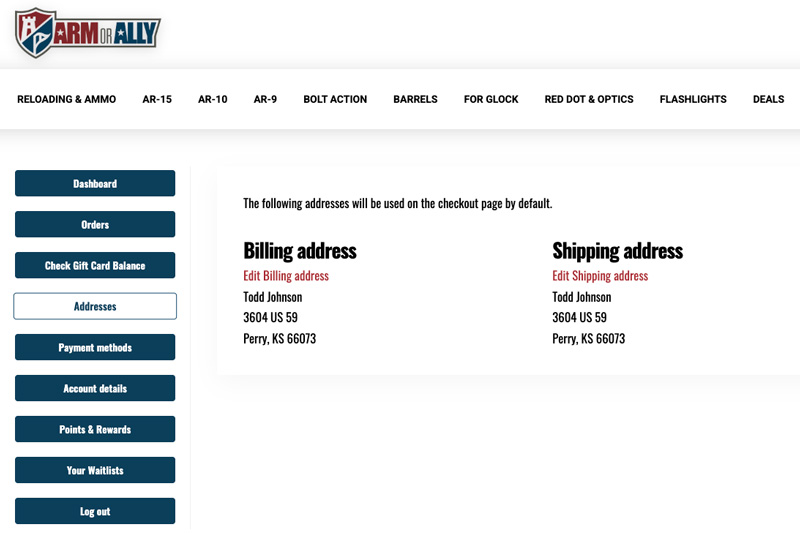
Log in to your account and navigate to the Addresses section from the account dashboard.
Within this section, you'll find both your default billing address and default shipping address used during checkout.
Updating your address information
Select Edit Billing Address or Edit Shipping Address to update your saved information.
Once your changes have been saved, the updated addresses will automatically populate during future checkouts unless you choose to enter different information at the time of purchase.
Important information
Updating an address within your account only affects future purchases.
Changes made to your saved addresses will not automatically update orders that have already been placed.
If you need to modify the address on an existing order, please open a support ticket as soon as possible. Because we process and ship orders quickly, address changes on submitted orders cannot be guaranteed.
Keeping your information current
Maintaining accurate billing and shipping information can help prevent checkout issues, payment verification delays, and shipping problems.
We recommend reviewing your saved addresses periodically, especially after moving or changing residences.