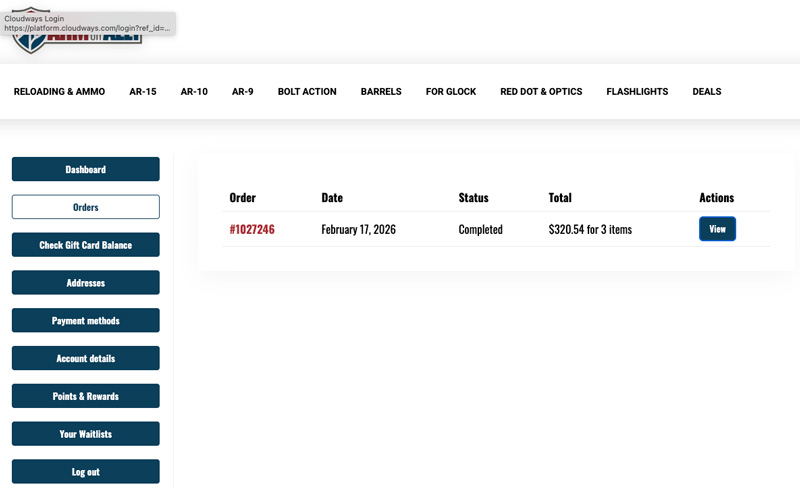
You can view your order history by logging into your Arm Or Ally account and selecting the Orders section from your account dashboard.
You must have an account
Order history is only available for customers who have created an Arm Or Ally account.
Simply placing an order does not automatically create an account. During checkout, customers must choose to create an account and establish a password in order for orders to be associated with their account profile.
Why don't I see all of my orders?
Your account will only display orders that were placed while logged into that account or otherwise associated with that account after it was created.
If you placed previous orders as a guest, or before creating your account, those orders may not appear in your order history.
Accessing your orders
After logging in, navigate to the Orders section of your account dashboard. From there, you can review available order information, view order details, and monitor the status of eligible orders.
Can't find an order?
If you're unable to locate a specific order, first verify that you're logged into the same account that was used when the order was placed.
If you still cannot locate the order and need assistance, please open a support ticket and provide the order number, if available. Our team will be happy to help investigate.
To maximize the benefits of your account, including order history, rewards tracking, waitlists, and account management features, we recommend creating and using your customer account whenever placing an order.